
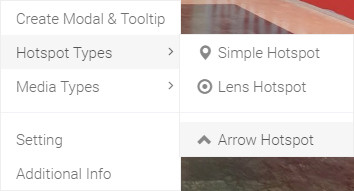
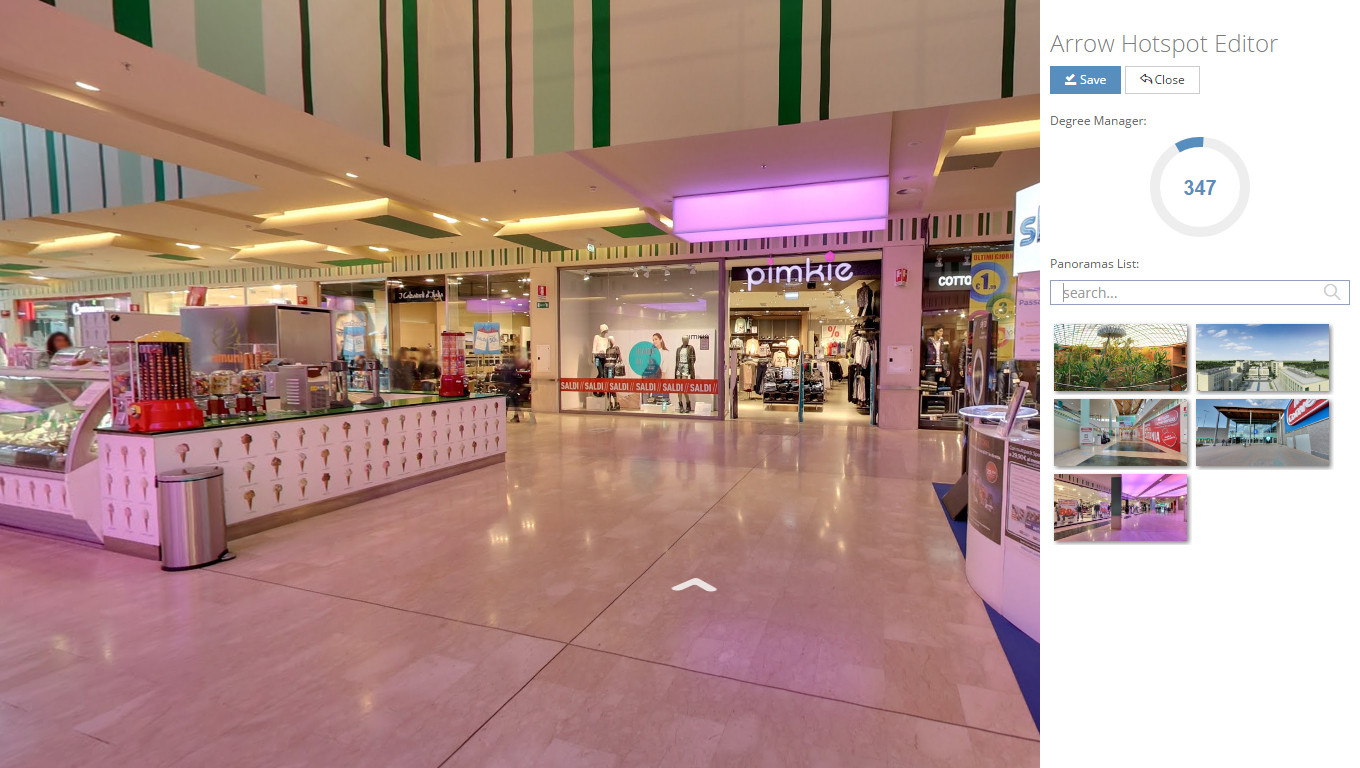
Hello, In this tutorial we will teach you how to create arrow Navigation marker. To do this, you should click your second mouse button to open Ocurus option. From this option, select "Arrow Navigation marker" from the Navigation marker Types. Then the "Arrow Navigation marker Editor" modal window will pops out. In this window you can drag and drop to set the degree of your arrow and select navigating panoramic view.
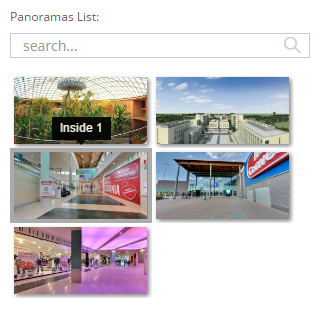 |
In this section, you can select a navigating panoramic view. |
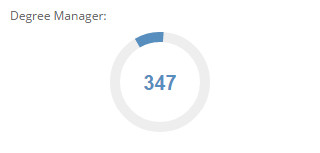 |
In this section, you can drag and drop to set the degree of your arrow. |